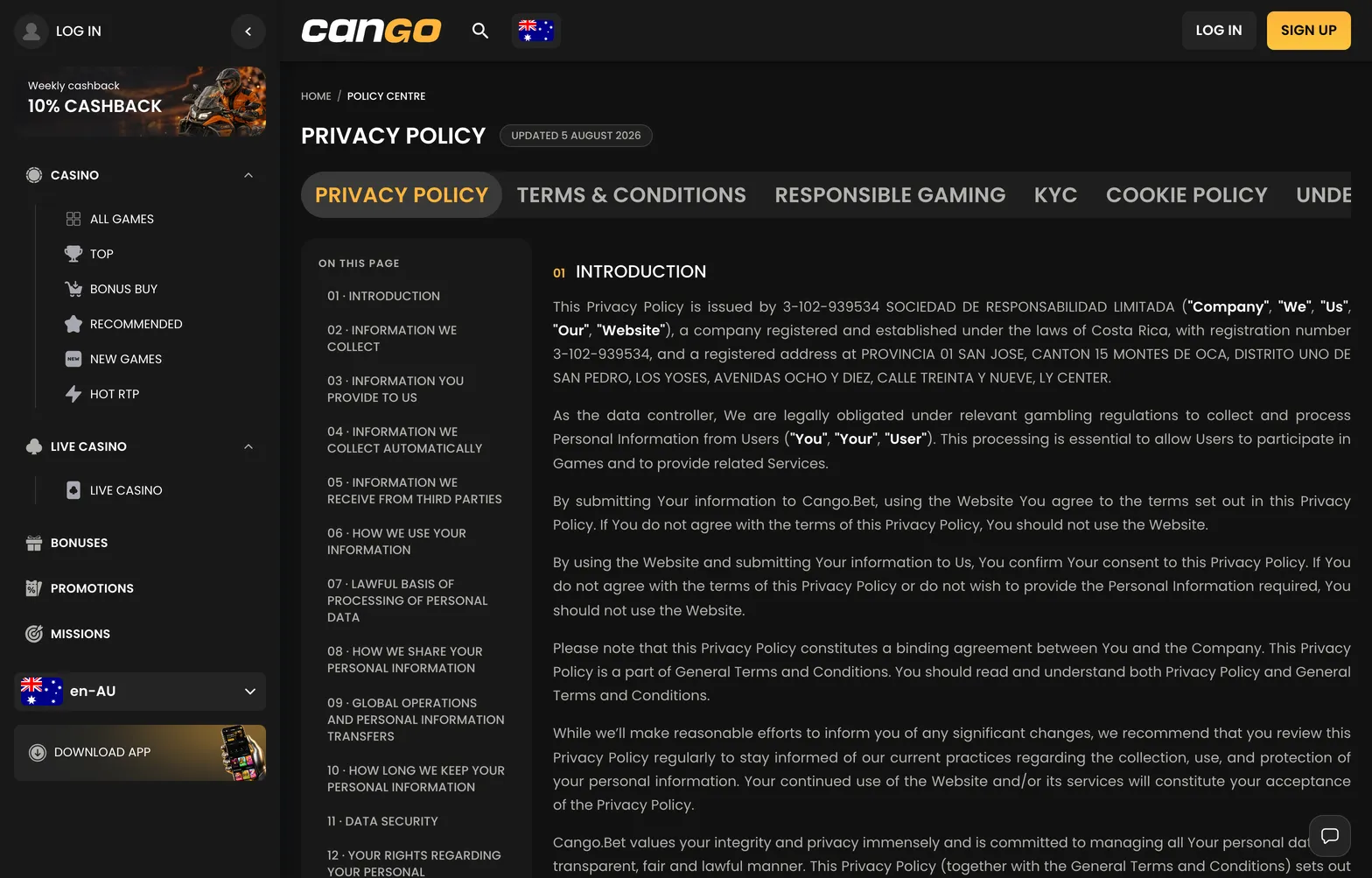

This cookie policy shows exactly which small data files your browser saves when you visit Cango NZ Guide. Kiwi players often ask whether an editorial guide tracks their banking or gaming habits. Because we are an information resource and not the Cango casino itself, we never handle your deposits, cashouts, or account balances. We rely on basic technical files to keep our articles loading fast, measure which pokies guides are most popular in New Zealand, and record when a reader clicks an outbound referral button.
Which cookies we use
When you browse our guide, your device stores a few lightweight text files known as cookies. These files do not collect your name, email address, or financial details. We group them into clear categories so you know what happens behind the scenes. Functional files make sure the site remembers your basic display preferences, while analytics files give our editors anonymous traffic counts. Affiliate tracking files simply note that a visitor came from our guide if they choose to visit Cango.
| Cookie Category | Purpose on Our Guide | Typical Lifespan | Data Stored |
|---|---|---|---|
| Essential and functional | Keeps pages stable and remembers cookie banner choices | Up to 12 months | Session ID and banner status |
| Anonymous statistics | Counts page views and time spent on guides | 24 hours to 13 months | Aggregated browser and page metrics |
| Affiliate tracking | Credits our guide if you follow a referral button | Usually 30 days | Anonymous referral click ID |
| Security and load | Protects the site from automated bot traffic | Session only | Temporary network routing code |
None of these files give us access to your computer or mobile phone. Even on our cashier pages, where we explain that Cango has no NZD in the cashier and runs accounts in AUD or EUR, our site never touches any transaction data.
Managing cookies on your device
You have full control over how cookies behave on your phone, tablet, or computer. Every modern browser lets you inspect, block, or delete these files through its settings. If you clear or block them, every article on our guide still opens and stays readable, though you might see the consent banner again on your next visit.
On an iPhone or Mac, open Safari settings and go to the privacy section, where you can block all cookies or clear your website data. In Google Chrome on Android or desktop, tap the three-dot menu, open privacy and security, and choose third-party cookies or clear browsing data. In Mozilla Firefox, open the main menu, select settings, and go to privacy and security to switch on enhanced tracking protection or remove individual site files. A private or incognito window in any of these browsers deletes all temporary session files the moment you close the tab.
Changes to this policy
We update this page whenever we change our analytics tools or how our site scripts work. Because our editorial team regularly reviews the layout and technical setup of Cango NZ Guide, small adjustments to cookie lifespans or categories can happen over time. We do not send email alerts for routine technical edits, as we do not run a user registration system or mailing list.
Whenever we revise the text, we update the date shown at the top of the page. If we ever introduce a new category of optional tracking, we will reset the consent banner so you can make a fresh choice on your next visit.